
Trex IPTV Blog: Guides, Tips and Honest Reviews
Practical Trex IPTV guides: setting up your devices, fixing buffering, using the TV guide across time zones, and getting the most from your free trial.
Start here
Latest articles
-
Trex IPTV Review 2026: Features, Pricing and Who It’s For
What Trex IPTV includes, what it costs, where it shines and where it may not suit you, written without star ratings or invented scores.
-
How to Set Up Trex IPTV on Fire TV Stick: Step by Step
From a fresh Fire TV Stick to your first channel: every step, the settings that help, and fixes for the snags people hit most.
-
Trex TV on Smart TV (Samsung, LG, Android TV): Complete Guide
Samsung, LG or Android TV: which app store to use, how to add your login, and the picture settings that make the biggest difference.
-

Trex IPTV Free Trial: How to Get the Most From Your Test
A short trial goes quickly. This checklist shows what to test, at what time of day, and how to judge the results fairly.
-
IPTV Buffering? Internet Speed, Router and VPN Tips
Most buffering starts between the router and the TV. Here is how to find the cause and fix it, step by step.
-
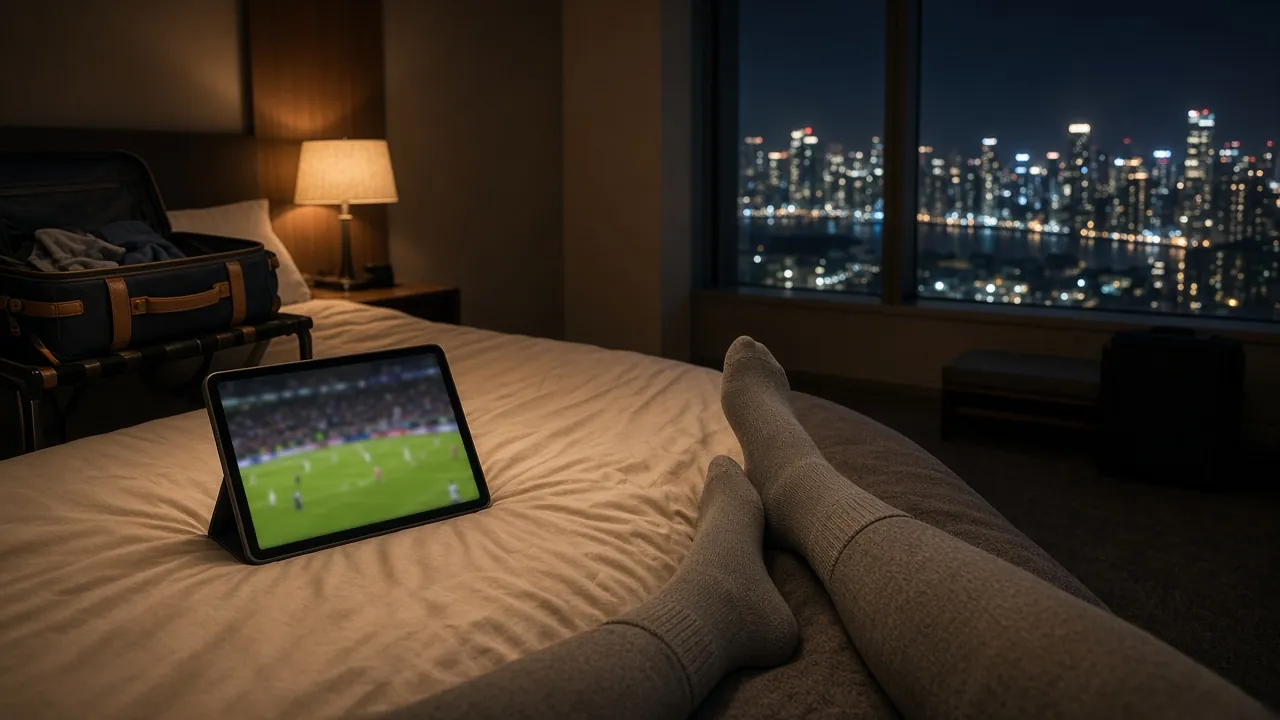
EPG and Catch-Up Explained: Watching Across UK, US, Canadian and Australian Time Zones
Why guide times drift, how catch-up works, and how to set your device so listings match the clock on your wall, wherever you are.
About the blog
Are the guides free to read?
Yes. Every article is free to read, with no sign-up.
Do the setup guides only work with Trex TV?
Most of the advice, such as router tips and TV guide settings, applies to any IPTV service. The steps are written with Trex TV in mind.
Can I suggest a topic?
Of course. Send us your question on WhatsApp and we may turn it into a guide.

Start your free trial
Test Trex TV on your own screen first. When you are happy, the 12 Months plan is $69.99, which works out at $5.83 a month, with every feature included.