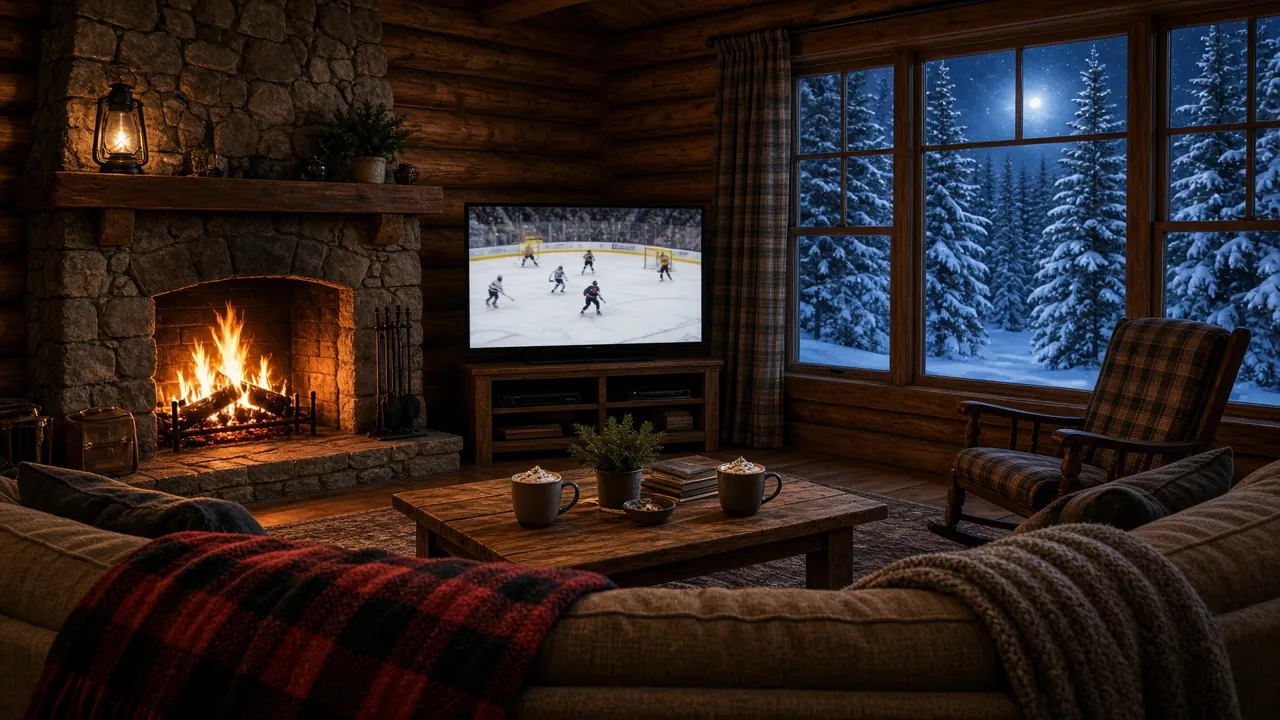
Trex IPTV Canada: Live TV From Coast to Coast, in 4K
Trex IPTV Canada brings Canadian, American and international channels together, with a TV guide set to your own province’s time. Try it free before you choose a plan.
Prices are in US dollars. If you pay in pounds, Canadian or Australian dollars or euros, your card provider converts the amount at its own rate.
Canada stretches across six time zones, two official languages and some of the widest gaps between city and rural internet anywhere. A TV service that works well here has to handle all three. This page explains how Trex TV fits a Canadian home, from the TV guide in your province’s time to tips for connections outside the big cities.
Trex IPTV Canada: English and French channels in one place
A single plan gives you 33,000+ live channels and 160,000+ titles to stream on demand. In Canadian homes, these are the categories that get the most use:
Canadian channels in both official languages, covering entertainment, sport and news;
American channels, which plenty of Canadian families watch side by side with domestic ones;
hockey nights, other live sport and motorsport, with catch-up on supported channels when a game runs past bedtime;
on-demand films and series, grouped by genre and by show;
children’s channels, which you can keep separate with a PIN in many player apps;
international channels, reflecting Canada’s many languages.
Line-ups shift over time, so we stick to categories rather than naming individual channels. If there is a channel you cannot live without, check with us before ordering, or confirm it during your trial.
Six time zones, from Newfoundland to the Pacific
The TV guide (EPG) takes its times from your device’s clock settings, and Canada spans six zones:
Time zone
Where
Newfoundland
Newfoundland and southeastern Labrador (half an hour ahead of Atlantic)
Atlantic
Nova Scotia, New Brunswick, Prince Edward Island
Eastern
Most of Ontario and Quebec
Central
Manitoba and parts of Ontario
Mountain
Alberta, the Northwest Territories, Yukon (all year) and parts of British Columbia
Pacific
Most of British Columbia
Two details trip people up. Newfoundland’s half-hour offset means a guide set to Atlantic time will be thirty minutes out. Most of Saskatchewan does not change its clocks, so choose the Saskatchewan setting rather than Central. Elsewhere, leave automatic time on; if listings drift after a clock change, a quick guide refresh in the app sorts it out.
Internet across Canada
In most cities, fibre and cable connections handle Trex TV with room to spare. Outside urban centres, fixed wireless, DSL and satellite connections vary more, especially in the evening. Run a speed test on the TV or streaming device itself and look for a consistent result of at least:
Full HD
10 Mbps or more
4K
25 Mbps or more
Some practical advice for Canadian homes:
Judge the connection at supper time. Rural service can be quick at 2 pm and crowded at 8 pm, so do your trial testing in the evening.
Settle for Full HD on a modest line. It uses a fraction of the bandwidth of 4K and still looks crisp on most screens.
Run a cable to the main TV, particularly in older homes with plaster or brick walls.
Keep an eye on your monthly allowance. Several Canadian internet plans are capped, and hours of streaming add up fast.
Count every screen. A 4K picture in the family room and a Full HD picture upstairs need around 35 Mbps combined.
Devices Canadians use most
Odds are you already own a compatible device. Canadians most often use:
a Fire TV Stick, which turns any HDMI-equipped TV into a smart one;
Android TV or Google TV, built into many TVs or available as a small box;
Samsung or LG smart TVs, with a player app installed from the TV’s store;
iPhones, iPads and Android tablets, ideal at the cottage or on a long commute;
a Windows or Mac computer, with a desktop IPTV player.
Our prices are listed in US dollars, so a 12 Months plan costs $69.99 ($5.83 a month). When you pay with a Canadian card, your bank converts the total into Canadian dollars at the rate it uses that day; a few cards also charge a foreign transaction fee, which your bank can confirm. The plan, the total and the payment methods are agreed in the WhatsApp chat before anything is charged.
IPTV subscription Canada: how to start
Ask for your free trial. The WhatsApp message already mentions Canada; add the device you plan to use.
Install the player app we name and log in with the trial details we send.
Pick your province’s time zone so the TV guide lines up with your clock.
Reply in the same chat to order 12 Months once you are satisfied.
We are authorized to resell Trex TV, yet the service itself belongs to its owner, not to us. Being upfront about that is part of how we work. In return you get help that is easy to reach: messages answered at any hour, instructions for your specific device and a trial before any payment. Look over the Trex IPTV subscription page, find out how the free trial works, or go back to Trex IPTV for the full story.
English-language TV for expats, CET and CEST guide times, and tips for DSL, cable and fibre.
Questions from Canada
Which time zone does the TV guide use?
The one set on your device. Canada has six: Newfoundland, Atlantic, Eastern, Central, Mountain and Pacific. Most of Saskatchewan stays on the same time all year, so choose the Saskatchewan setting there instead of Central.
Do I pay in Canadian dollars?
Prices are in US dollars: $69.99 for 12 months. Your card provider converts the amount to Canadian dollars at its own rate, and some cards add a foreign transaction fee.
Will it work on rural internet?
Often, yes, if the connection is steady. Fixed wireless and some rural plans vary through the evening, so test at your usual viewing time during the free trial. A wired connection to the TV helps, and Full HD needs far less than 4K.
Are there French-language channels?
The line-up includes English and French-language Canadian channels alongside US and international ones. Channel availability may vary, so ask us about your favourite channels before you order.
Do I need a special box?
No. A smart TV with an app store, a Fire TV Stick or an Android TV box is enough. Our setup guides show you how to install everything.
Start your free trial
Test Trex TV on your own screen first. When you are happy, the 12 Months plan is $69.99, which works out at $5.83 a month, with every feature included.