
Trex IPTV Free Trial: Test Everything Before You Pay
The Trex IPTV free trial lets you try the service on your own TV, with your own internet, before spending anything. Ask for it on WhatsApp; no payment details are needed.
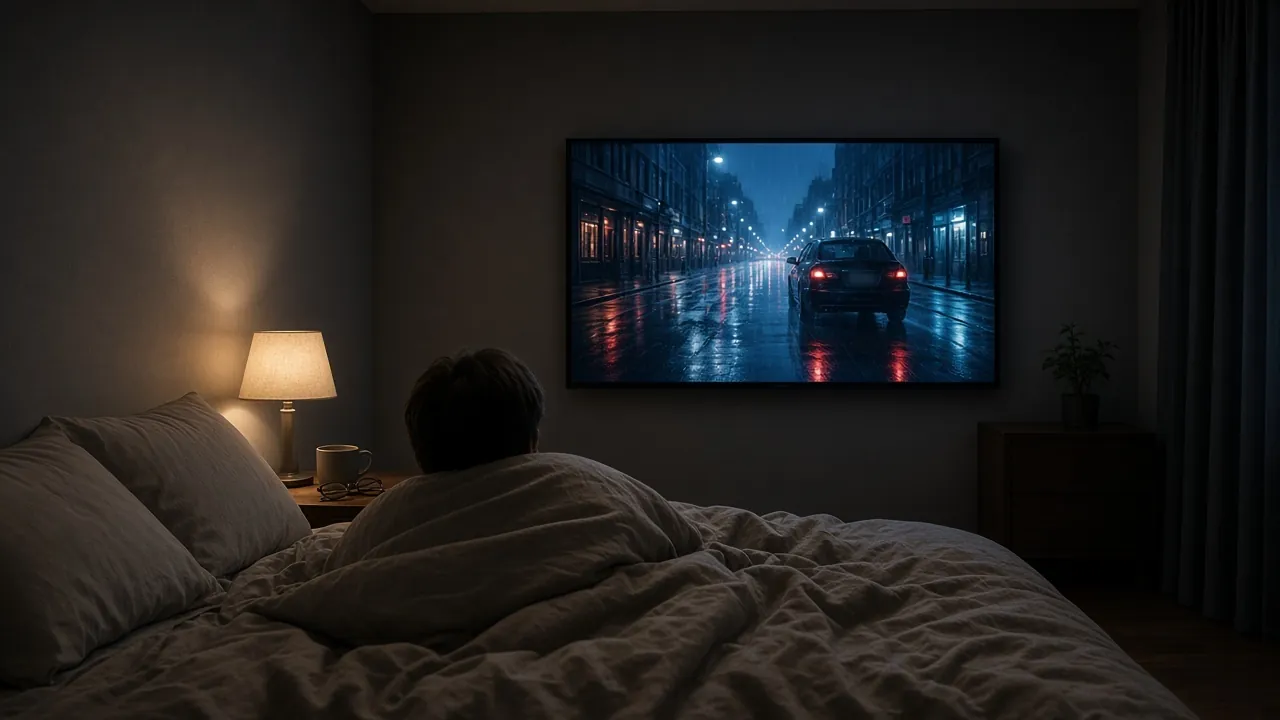
Get your trial in three steps
-
Message us on WhatsApp
Tap a trial button. The message is already written, including your region; add the device you will watch on.
-
Receive your trial login
We reply in the same chat with your trial login and the setup steps for your device. No payment details are needed.
-
Test on your device
Try live channels, the TV guide, catch-up and movies at the times you normally watch. Then decide, with no pressure.
A TV service can look perfect on a sales page and still stutter on your living-room Wi-Fi. That is why we offer a free trial before you buy anything. This page explains how to request it, what to test, and how to judge the results fairly.
What the Trex IPTV free trial includes
The trial is the real service, not a cut-down demo. During your test you can use:
- 33,000+ Live TV Channels
- 160,000+ Movies & Series (VOD)
- All Sports Channels
- Live Motorsport
- Pay-Per-View (PPV) Events
- 4K / FHD Quality
- TV Guide (EPG) & Catch-Up
- Automatic Updates
- Works on All Devices
- 24/7 Customer Support
The trial costs $0 and the only difference from a paid plan is the length. We confirm how long your trial lasts in the WhatsApp chat when you request it, so you know exactly how much time you have before you start.
How to request your trial
- Tap a “Start Free Trial” button on any page. WhatsApp opens with a message already written, including your region.
- Add the device you will watch on, for example “Fire TV Stick” or “Samsung TV”.
- Send the message. A real person replies in the same chat with your trial login and the setup steps for your device.
- Install a player app and sign in. Our setup guides cover every common device, and we stay in the chat if anything looks different on your screen.
No payment details are needed, and there is nothing to cancel at the end.
Request my free trial (opens WhatsApp in a new tab)
What to test, in order
A trial goes quickly, so test the things that matter most first:
- Your everyday channels. Open the channels you watch every week and leave each one running for a few minutes.
- The TV guide. Check that the times match the clock on your wall. If they do not, the device’s time zone is usually the cause.
- Catch-up. On a channel that supports it, scroll back in the guide and play something that aired earlier today.
- A film or a series. Start something from the on-demand library, pause it and resume it.
- Live sport or motorsport. Fast motion is the hardest test for any connection, so watch some live action.
- Every screen you plan to use. If you want to watch in the bedroom as well as the lounge, test both.
Test at the right time of day
Home internet is busiest in the evening, when everyone in the street is streaming at once. A test on Sunday morning tells you very little about Saturday night. Try to watch at least once during your usual prime time, and once during a live event if one is on.
Check the TV guide time zone
Our customers watch from many time zones: GMT and BST in the UK, six zones across the USA, six in Canada, three main zones in Australia and CET in Germany. The guide shows the right times when your device is set to the right zone. Our article on EPG and catch-up across time zones explains how to fix listings that look an hour or more out.
Wi-Fi or cable?
If the picture pauses, the cause is usually the connection between your router and your TV rather than the service. As a guide, aim for these steady speeds on the device you watch on:
- Full HD
- 10 Mbps or more
- 4K
- 25 Mbps or more
A network cable gives the most reliable result. On Wi-Fi, use the 5 GHz band and keep the router in the open, not inside a cupboard. If you see buffering during the trial, tell us; our buffering guide lists the usual fixes and we can help in the chat.
Get the most from your trial
For a step-by-step checklist with tips for each type of device, read how to get the most from your Trex IPTV free trial. It takes five minutes and makes your test far more useful.
Questions worth asking during your trial
You have a real person on the other end of the chat, so use them. These questions save time later:
- Which player app suits my device best? Menus and features differ, and we can recommend one that fits your TV or stick.
- How do I set up a second screen? If you plan to watch in more than one room, ask how to configure it before you order.
- Is a specific channel or category available? Availability may vary, so ask about anything that matters to you.
- What payment options are there? We explain them in the chat, so there are no surprises when you order.
- What happens when my plan ends? We tell you how renewals work, so you can plan ahead.
After the trial
When the trial ends, it simply stops. If you liked what you saw, message us in the same chat to order the 12 Months plan at $69.99, which works out at $5.83 a month. If it was not for you, you do not need to do anything at all.
Order 12 Months after my trial (opens WhatsApp in a new tab)
Why a free trial matters
Plenty of sellers ask you to pay first and hope for the best. We would rather you see the service on your own screen, with your own internet, before you decide. It saves everyone time, and it means that when you do order, you already know what you are getting.
Compare the plans on the Trex IPTV subscription page, message us with any question, or return to Trex TV for the full overview.
Free Trial: your questions
Do I have to pay anything for the trial?
No. The Trex IPTV free trial costs nothing and no payment details are needed.
What should I test first?
Start with the channels you watch most, then open the TV guide to check the times, try catch-up on a programme you missed, and play a film from the library.
What if the picture buffers during my trial?
Tell us on WhatsApp. Buffering is usually caused by Wi-Fi or the router, and a cable or a quick setting change often fixes it. Our buffering guide lists the usual fixes.
Can I order straight after the trial?
Yes. Message us in the same chat and we will confirm the plan and the payment options.
Next steps
-
Pricing
One Trex IPTV subscription, every feature included: 12 months for $69.99, which works out at $5.83 a month. Start with…
-
Setup
Trex IPTV setup takes a few minutes on most devices. Pick yours below, follow the numbered steps, and message us…
-
Contact
To contact Trex IPTV Online, send us a WhatsApp message. One number handles free trials, orders and setup help, day…
Start your free trial
Test Trex TV on your own screen first. When you are happy, the 12 Months plan is $69.99, which works out at $5.83 a month, with every feature included.