Trex IPTV UK: Live TV, Films and Sport for British Homes
Trex IPTV UK brings British, European and international channels to your telly, with a TV guide that runs on UK time. Try it free first, then choose the plan that suits you.
Prices are in US dollars. If you pay in pounds, Canadian or Australian dollars or euros, your card provider converts the amount at its own rate.
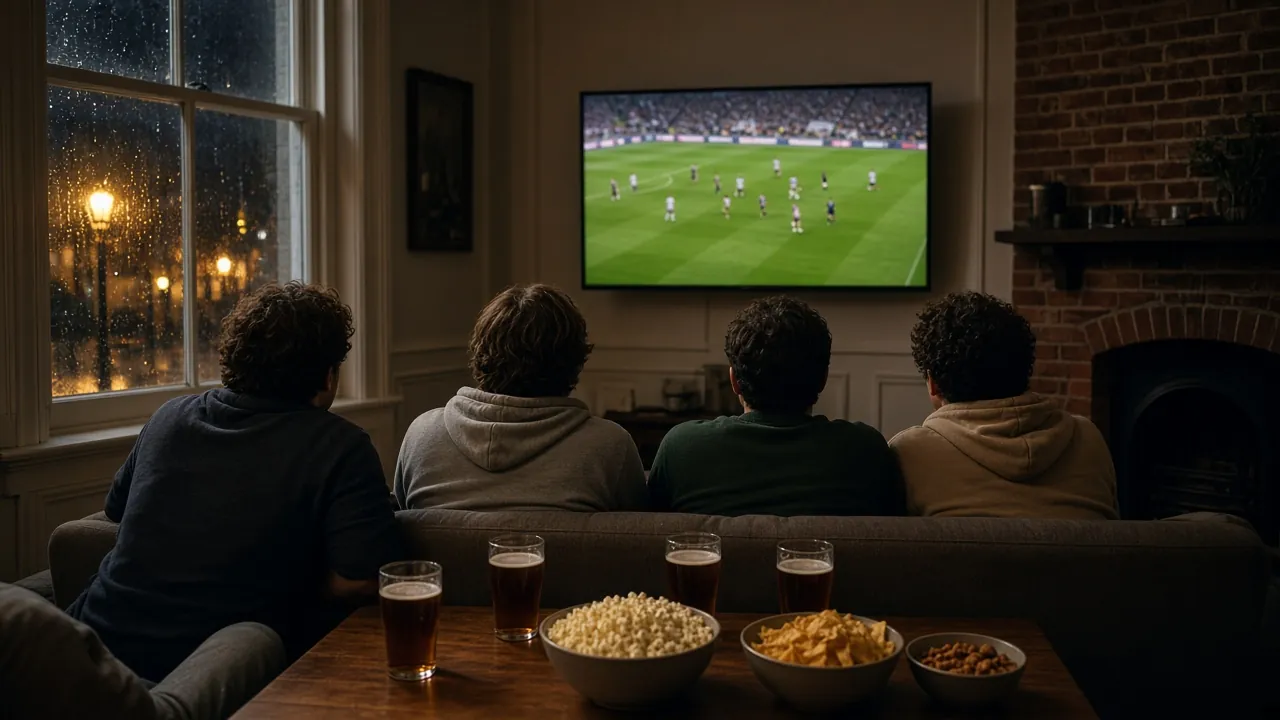
British viewing habits are their own thing: the evening news at a fixed hour, Saturday sport, a box set on a wet Sunday, and a telly in the lounge that everyone fights over. This page explains how Trex TV fits into a UK home, from the TV guide on British time to the broadband tips that keep the picture smooth.
Trex IPTV UK: what British homes get
Every plan includes 33,000+ live channels and 160,000+ films and series on demand. For a household in England, Scotland, Wales or Northern Ireland, the categories people use most are:
British entertainment and factual channels, from quiz shows to documentaries;
UK news, national and regional, around the clock;
sport and motorsport, live, with catch-up on supported channels;
films and box sets on demand, sorted by genre and series;
children’s channels, with a parental PIN available in many player apps;
international channels for families who speak more than one language at home.
We describe content by category rather than promising individual channels, because channel availability may vary. If one channel matters a great deal to you, ask us before you order, or check it during your free trial.
A TV guide that runs on UK time
The TV guide (EPG) shows what is on now and next, channel by channel, in the time zone set on your device. In the UK that means GMT in winter and BST in summer. The clocks go forward on the last Sunday of March and back on the last Sunday of October, so the easiest approach is to:
Set your device’s time zone to London (or “United Kingdom”).
Leave automatic date and time switched on, so the change happens by itself.
Refresh the guide in your player app after the clocks change if anything looks an hour out.
Catch-up works from the same guide: on channels that support it, scroll back and play a programme that aired earlier, which is handy when the football runs late or the commute home takes longer than planned.
Broadband tips for British homes
Most UK broadband handles Trex TV comfortably. Full-fibre (FTTP) connections have plenty of headroom; fibre-to-the-cabinet (FTTC) lines are usually fine for Full HD and often for 4K, depending on the distance to the cabinet. As a guide, aim for these steady speeds at the TV:
Full HD
10 Mbps or more
4K
25 Mbps or more
The bigger issue in many British houses is not the line but the Wi-Fi. Routers often sit by the front door where the line comes in, while the TV is two rooms and a staircase away. A few simple changes help:
Run a network cable to the main TV if you can; it is the most reliable fix.
Try powerline adapters, which carry the network over your mains wiring, if a cable is not practical.
Use a mesh Wi-Fi system in larger homes or homes with thick walls.
Pick the 5 GHz band for devices close to the router, and keep the router out of cupboards.
Pause large downloads and game updates during a big match.
If several people stream at once, add their needs together. One 4K stream and one Full HD stream need around 35 Mbps between them.
Popular devices in the UK
You almost certainly own something that works already. In British homes, the setups we help with most are:
Fire TV Stick, plugged into any TV with a spare HDMI port;
Samsung and LG smart TVs, with a player app from the TV’s store;
Android TV boxes, which suit the main telly thanks to their Ethernet port;
iPhone, iPad and Android tablets, for the kitchen, the bedroom or the train.
Prices are in US dollars because we sell in several countries. The 12 Months plan is $69.99, which works out at $5.83 a month. Your card provider converts the dollar amount into pounds at its own exchange rate on the day, and some cards add a small foreign transaction fee, so check with your bank if you are unsure. The price we charge never changes with the exchange rate.
IPTV subscription UK: how to start
Starting takes a few minutes, and everything happens on WhatsApp:
Request your free trial. The message already says you are in the UK; just add your device.
Install the player app we recommend and sign in with the trial login.
Test at your usual viewing time, including the TV guide, catch-up and a live match.
Order the 12 Months plan in the same chat when you are happy.
We are an independent, authorized reseller of Trex TV, not the owner, and we say so on every page. What you get from us is the human side: a real person on WhatsApp at any hour, setup help for your exact device and a free trial before you pay. Compare everything on the Trex IPTV subscription page, read about the free trial, or go back to Trex IPTV for the full overview.
English-language TV for expats, CET and CEST guide times, and tips for DSL, cable and fibre.
Questions from United Kingdom
Does the TV guide follow GMT and BST?
Yes, as long as your device is set correctly. Choose London (or "United Kingdom") as the time zone and leave automatic time switched on, so the guide moves with the clocks on the last Sunday of March and October. Then refresh the guide in your player app.
Do I pay in pounds?
Prices are in US dollars: the 12 Months plan is $69.99. Your card provider converts that to pounds at its own rate, and some cards add a small foreign transaction fee, so check yours if you are unsure.
Will it work on my broadband?
Most UK broadband is fine. Full-fibre and fibre-to-the-cabinet connections comfortably handle Full HD, and 4K wants a steady 25 Mbps at the TV. If your router sits at the other end of the house, a mesh Wi-Fi system or a cable makes a big difference.
Can I watch British channels?
Yes. The line-up includes British entertainment, factual, sport and news channels alongside international ones. Channel availability may vary, so ask us about any channel that matters to you, or check it during your free trial.
Which device works best in the UK?
Whatever you already have. Fire TV Stick and Samsung or LG smart TVs are the most common setups we help with in Britain, and an Android TV box is a good choice for the main telly. Our setup guides cover each one.
Start your free trial
Test Trex TV on your own screen first. When you are happy, the 12 Months plan is $69.99, which works out at $5.83 a month, with every feature included.